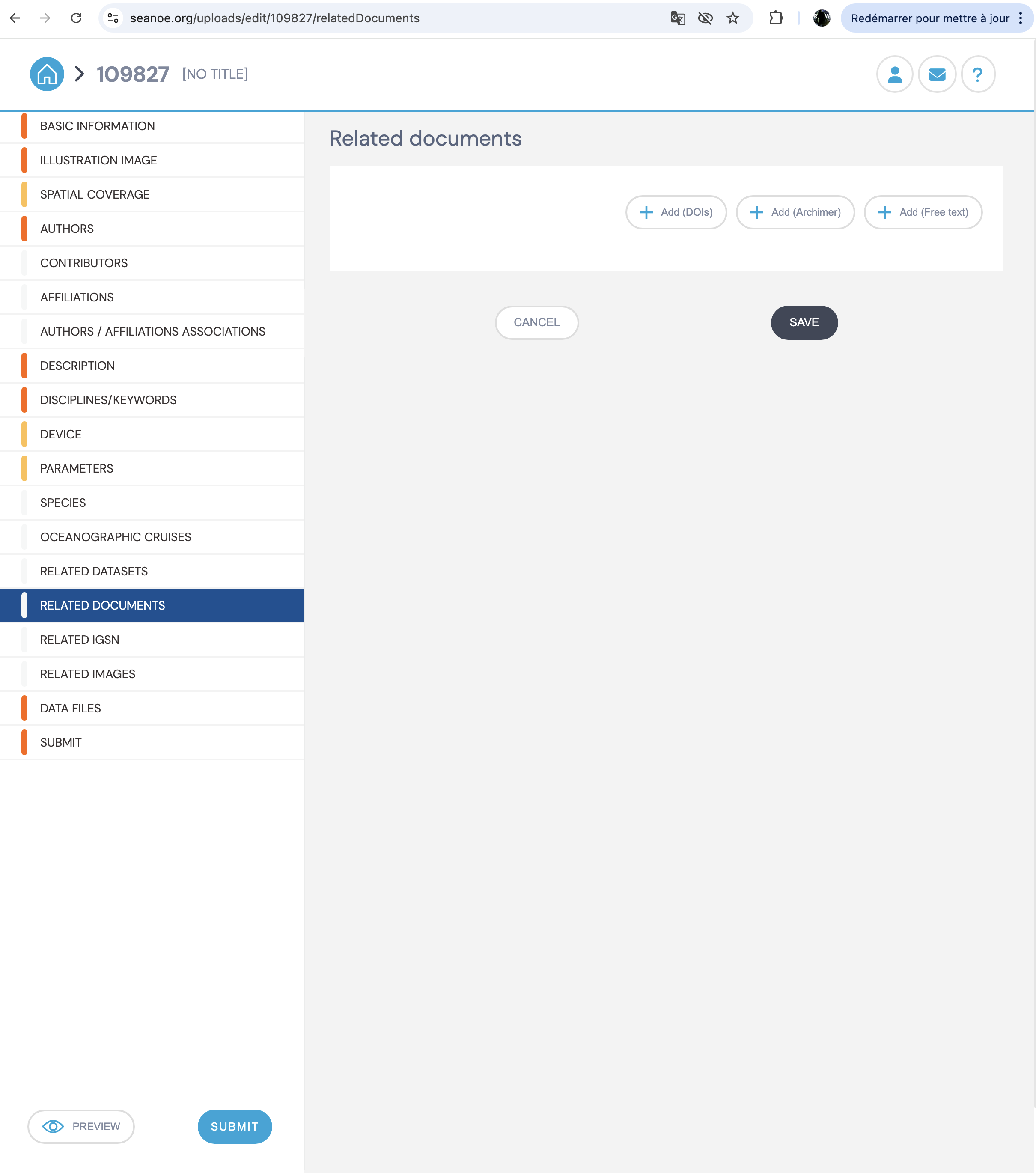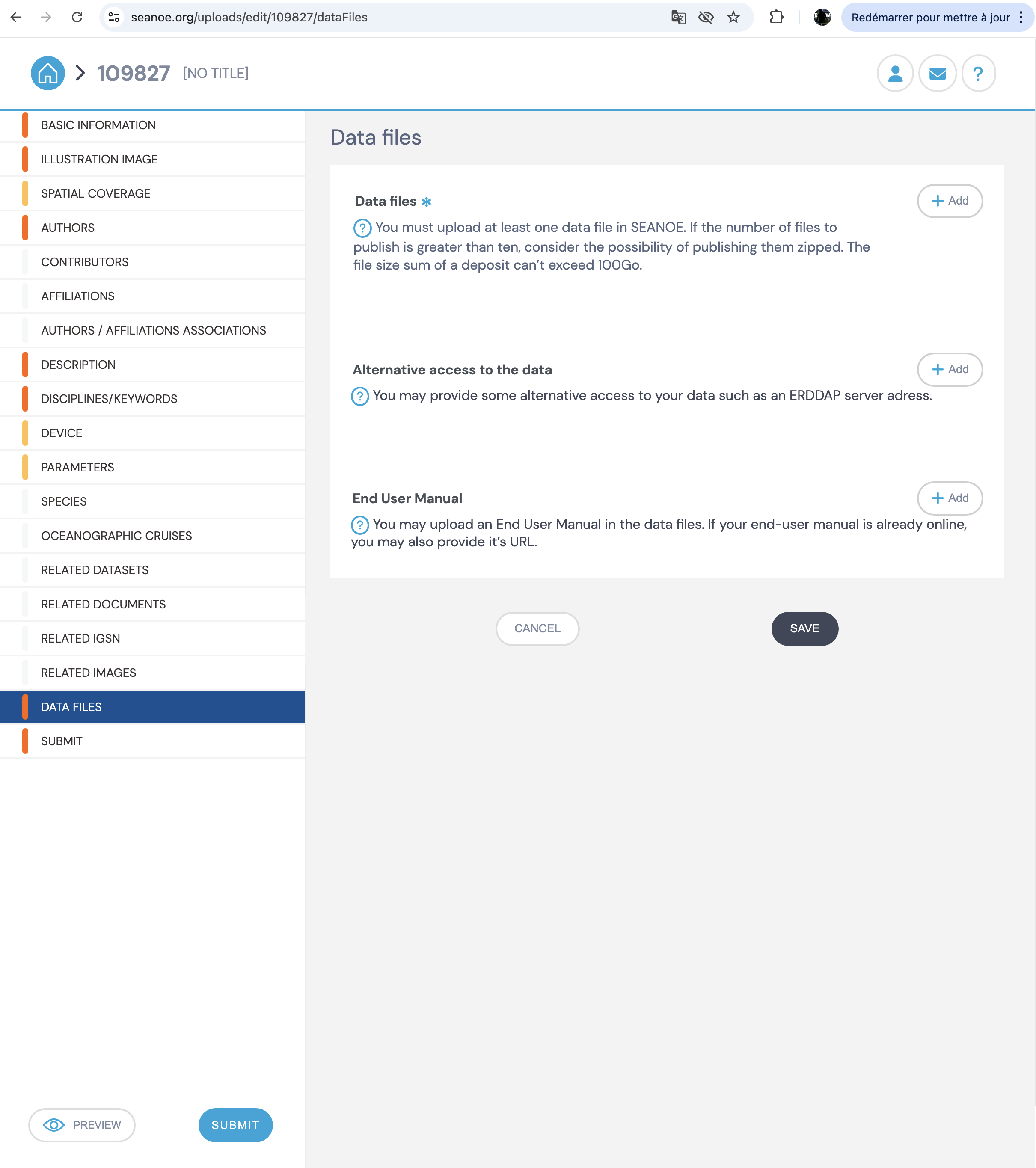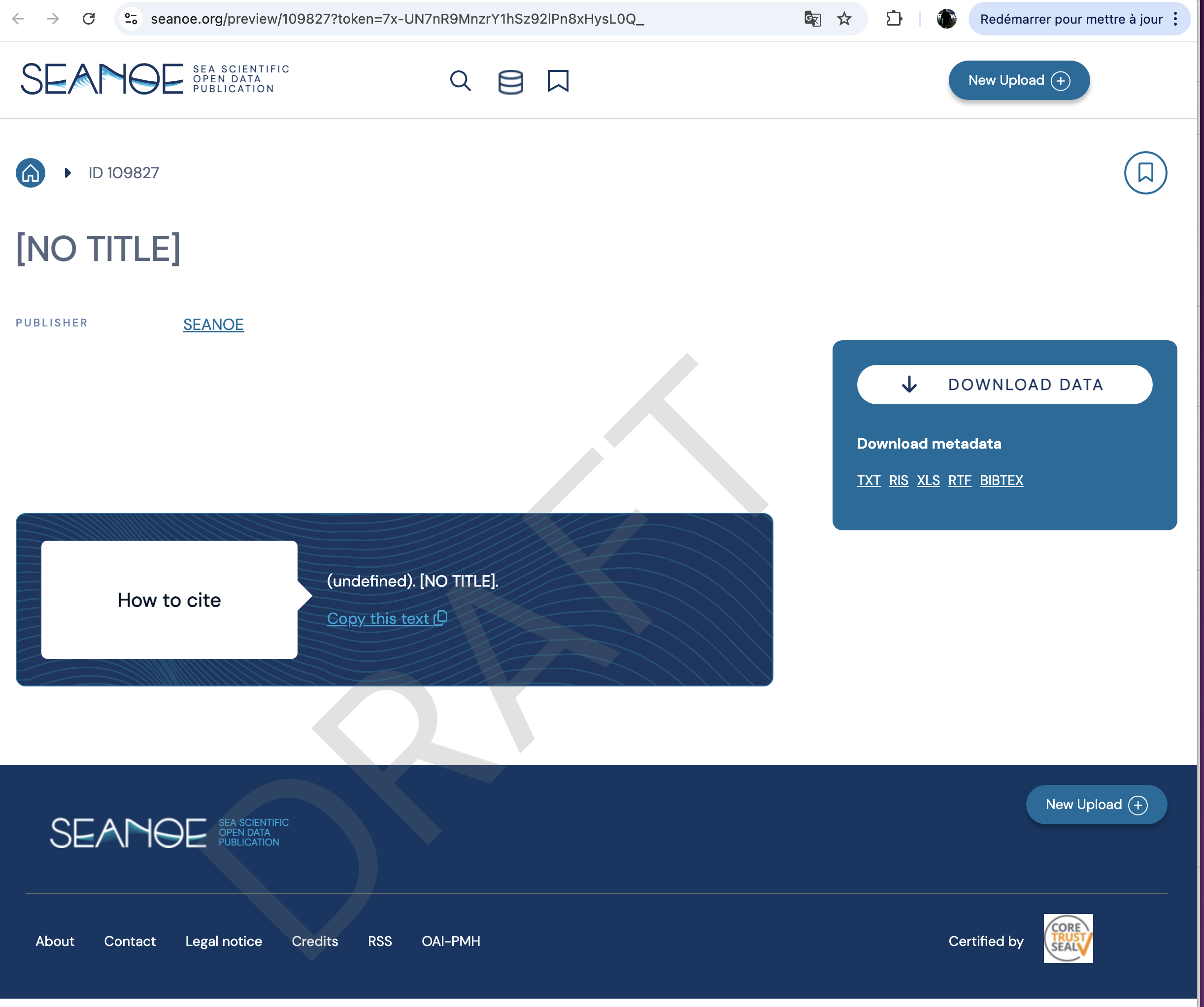
How to upload data on Seanoe#
SEANOE (SEA scieNtific Open data Edition) is an open scientific data repository in the marine sciences field. Currently operated by the SISMER marine data center within the ODATIS Ocean Cluster framework and funded by Ifremer.
Publication of datasets in SEANOE data is free of charge, with a limitation of 100GB of size per record.
Each dataset published on SEANOE will get a unique DOI which allow it to be published and cited in the most reliable and sustainable way.
Access Seanoe#
Seanoe is accessible at the url : seanoe.org
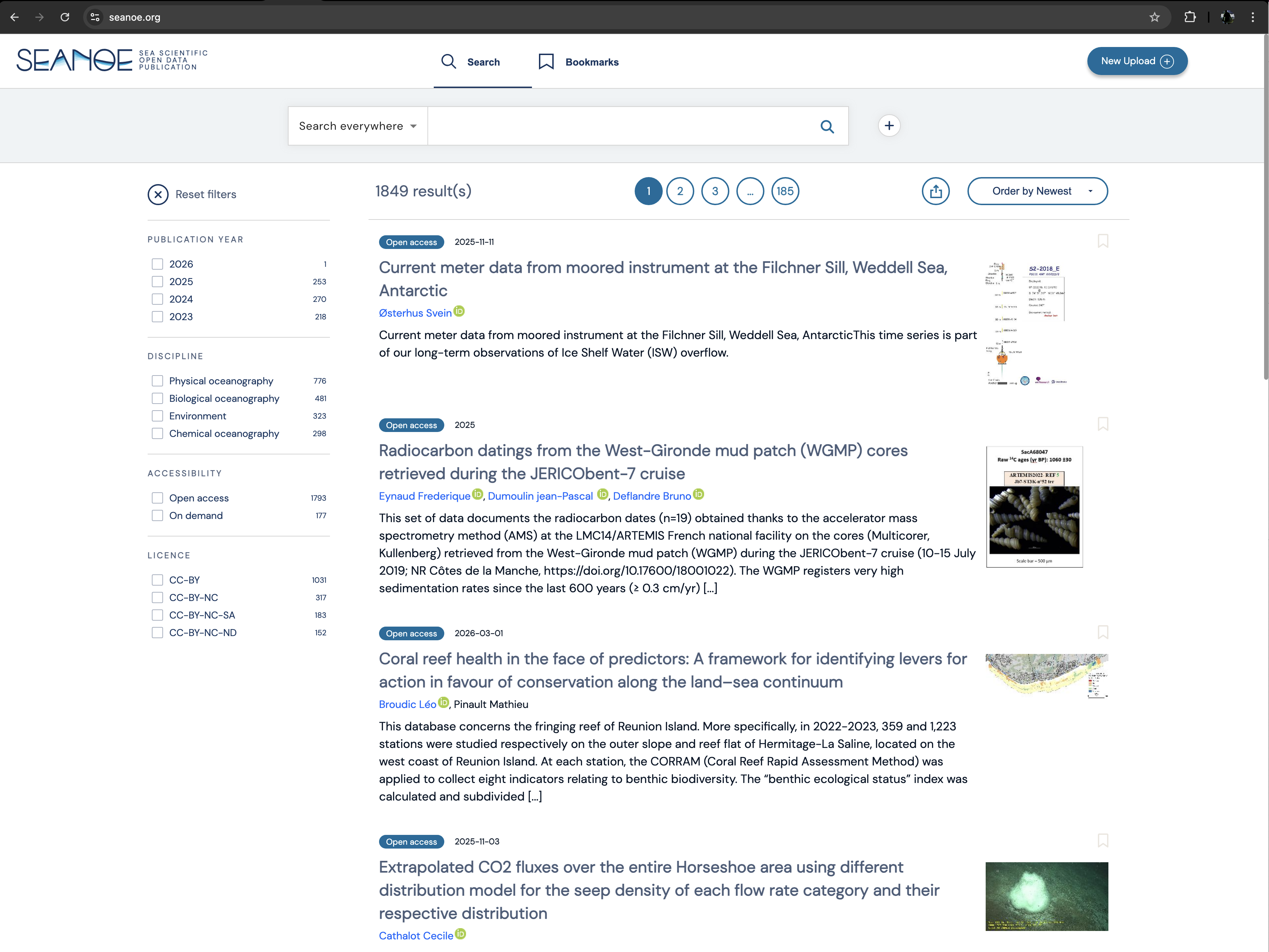
It primarily show the latest outputs.
Create your Marine Id#
To upload your own data, click first on the “New Upload” button at the upper right corner
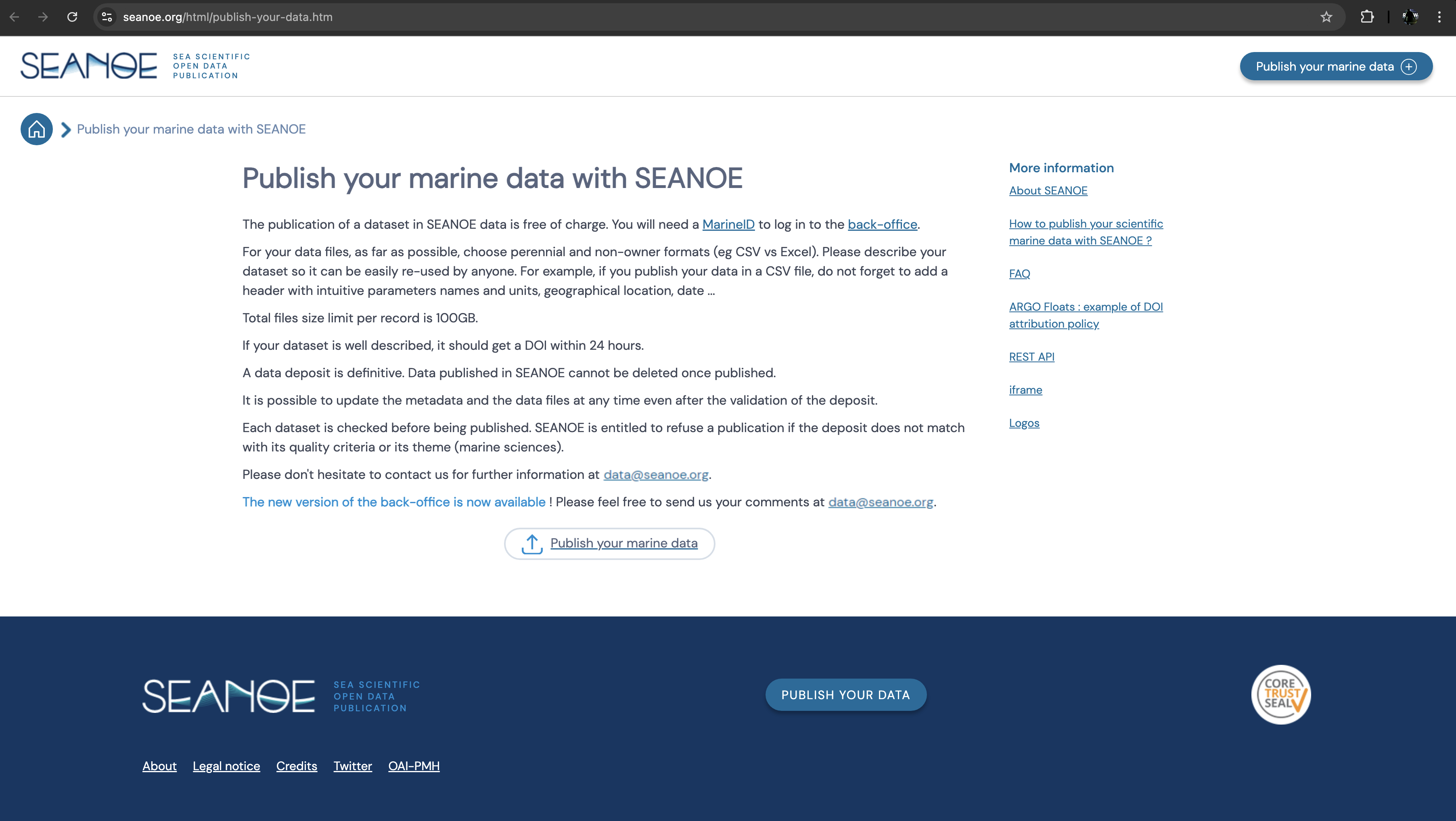
Then click on the “Publish your marine data” button at the bottom of this page
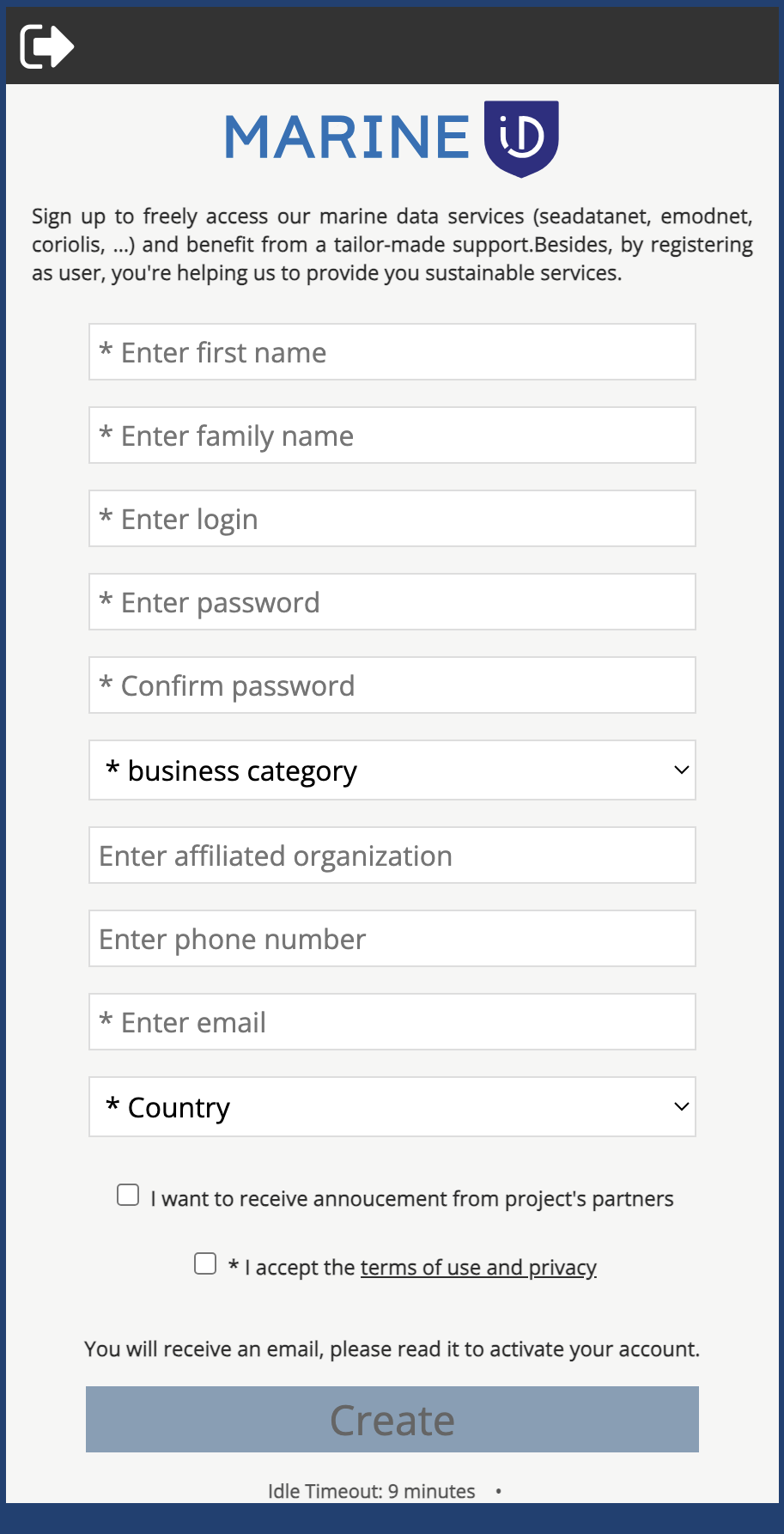
If you do not have a Marine Id yet, you will need to register
Seanoe dashboard#
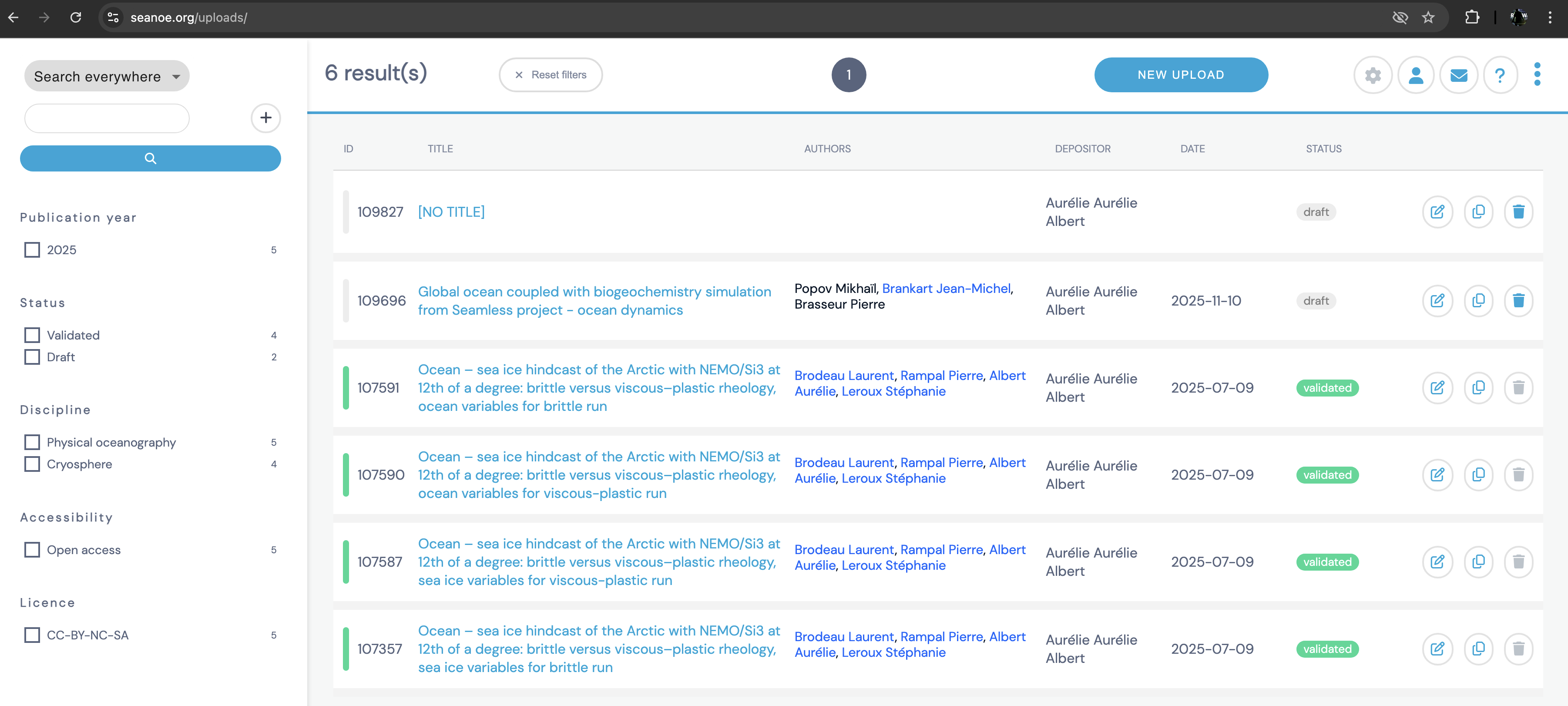
Once you are logged in, the dashboard show your and in progress uploads (if you never uploaded any dataset, it should be empty)
New upload#
Click on NEW UPLOAD to create a new dataset
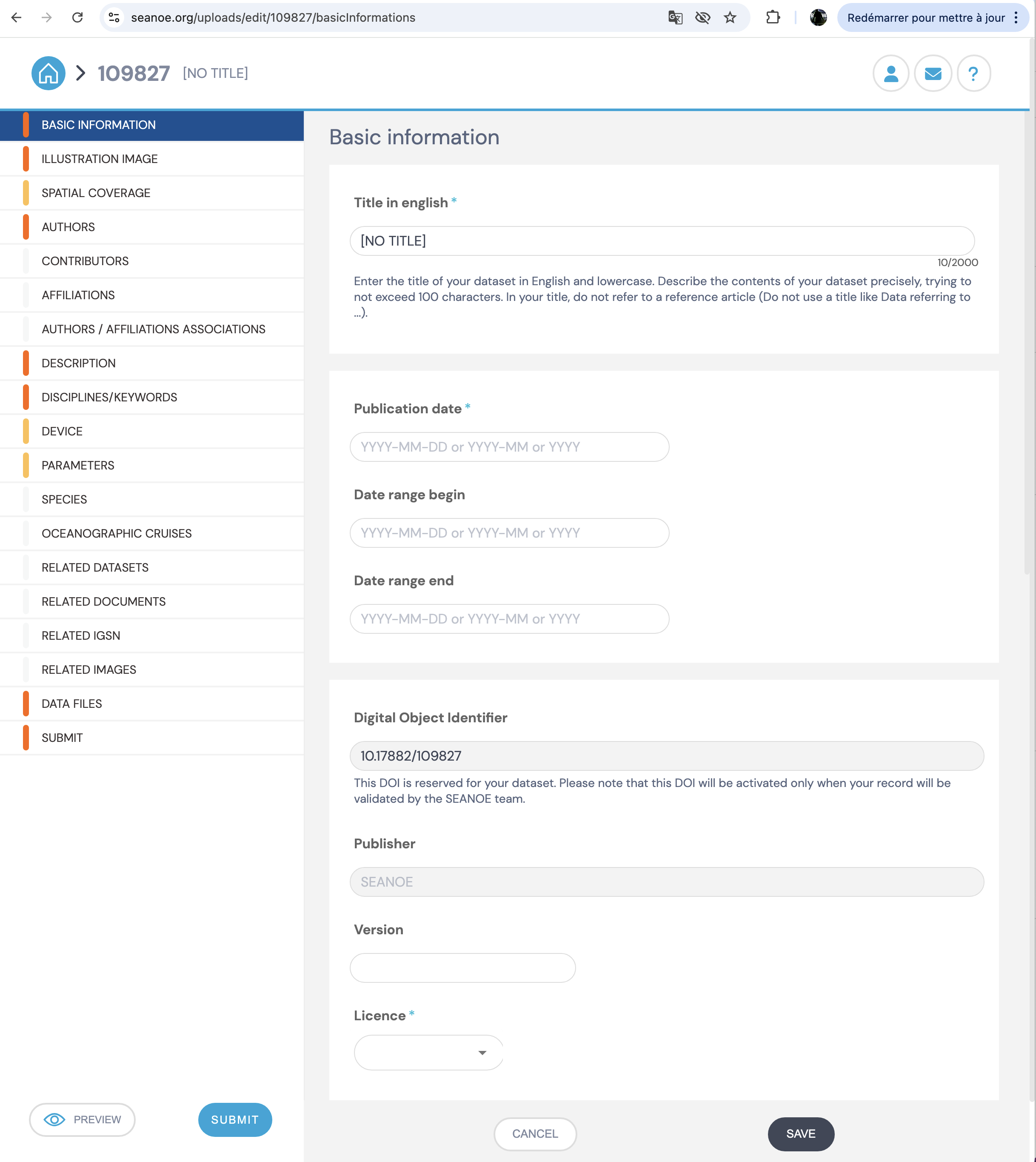
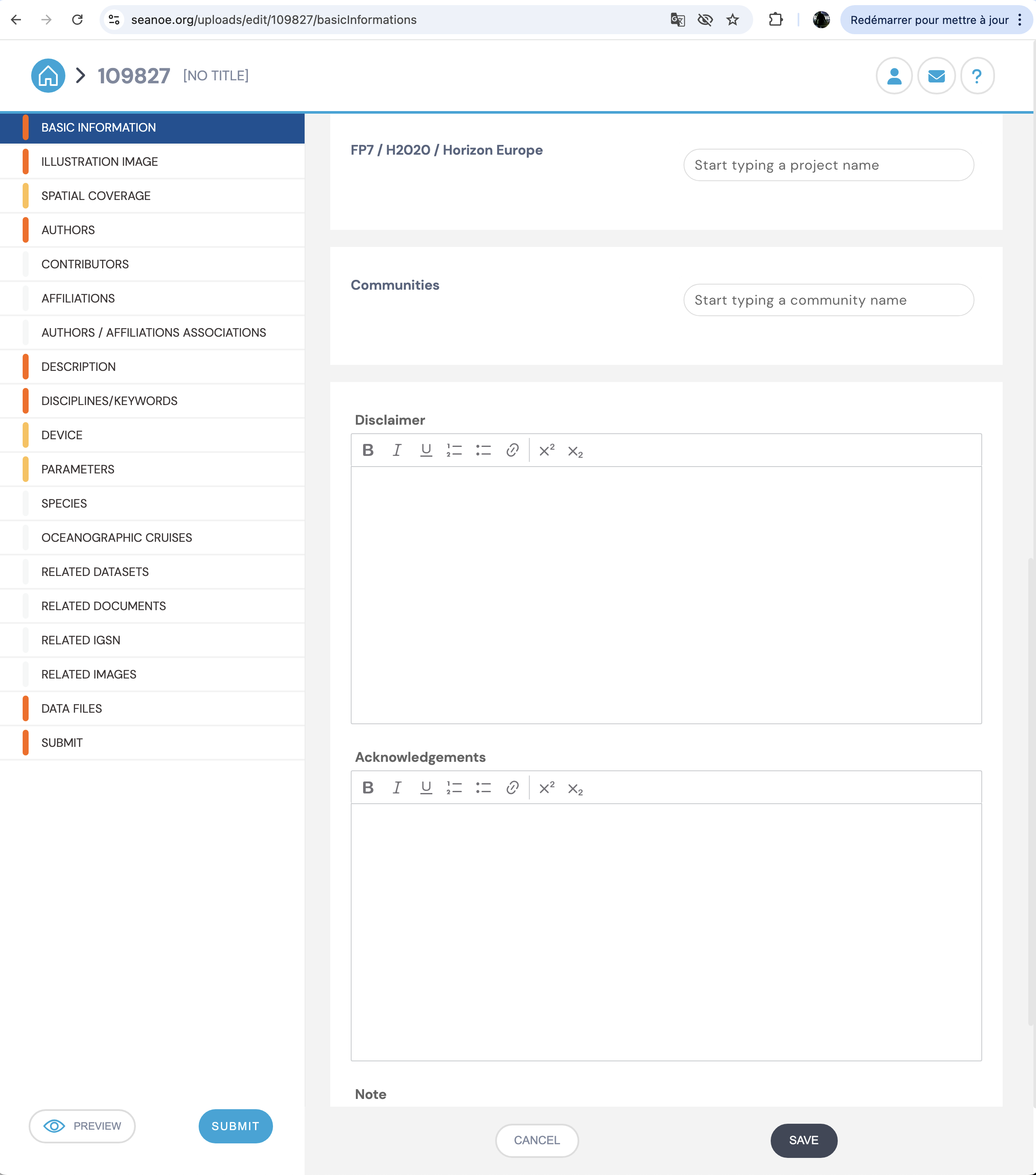
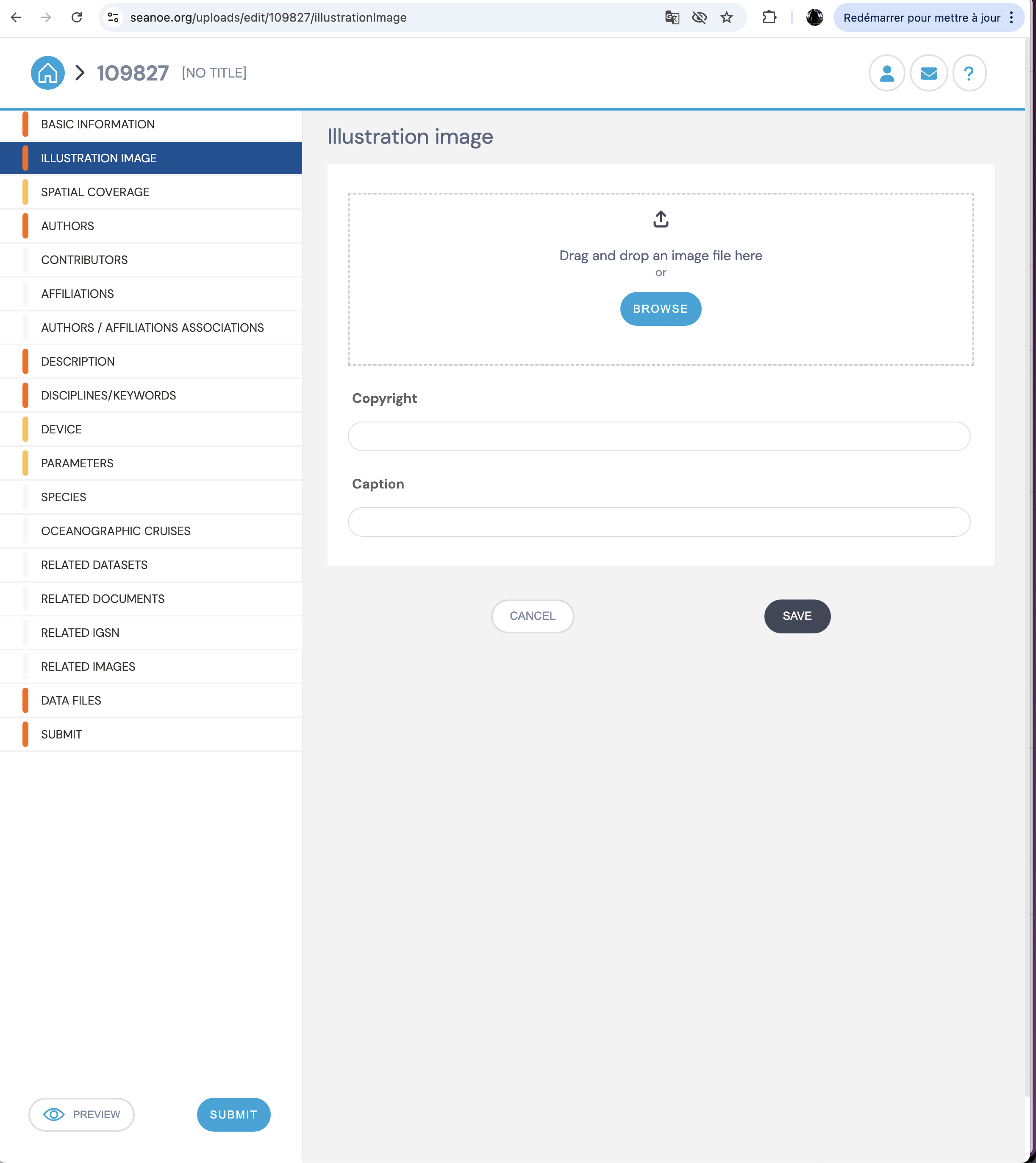
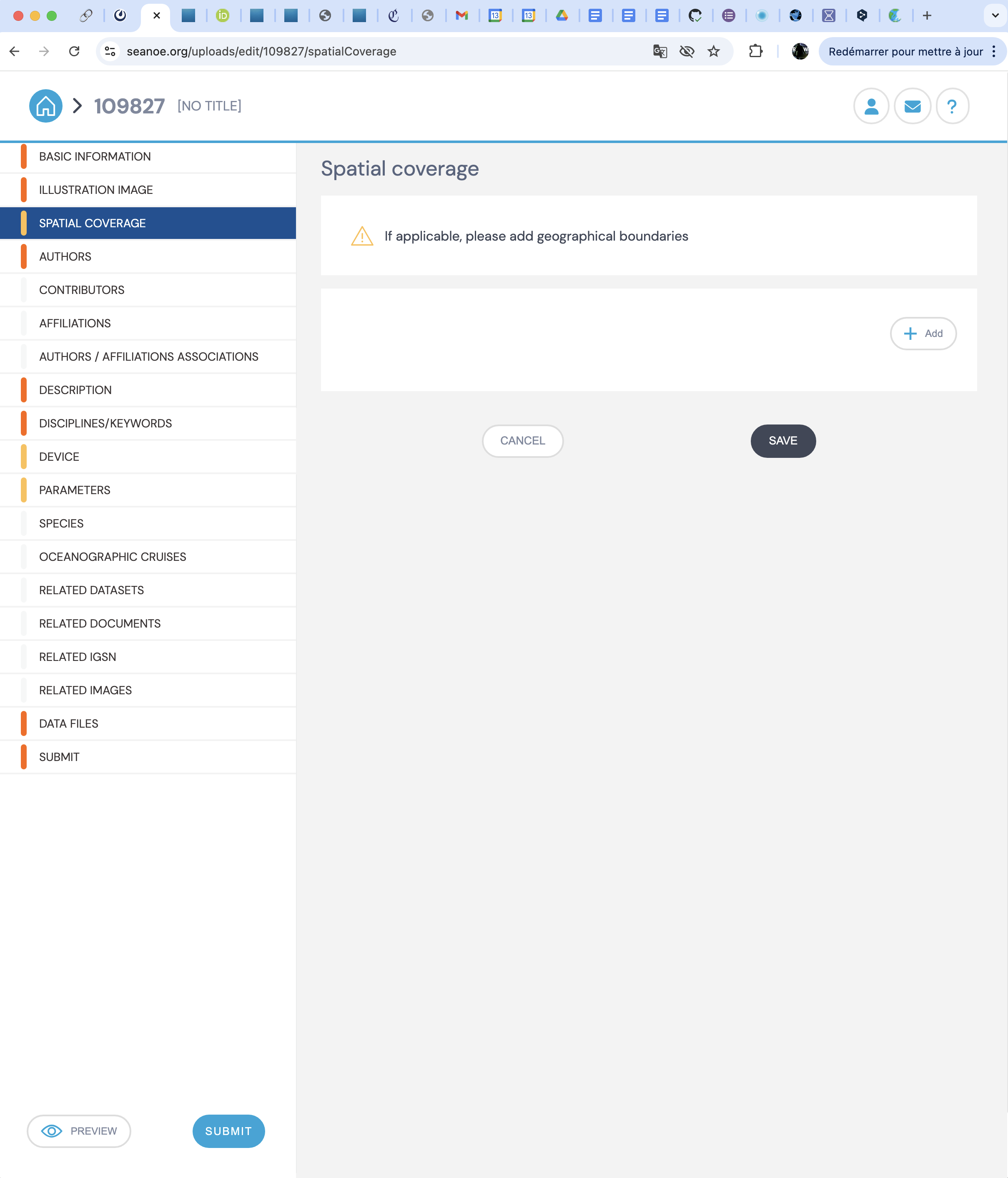
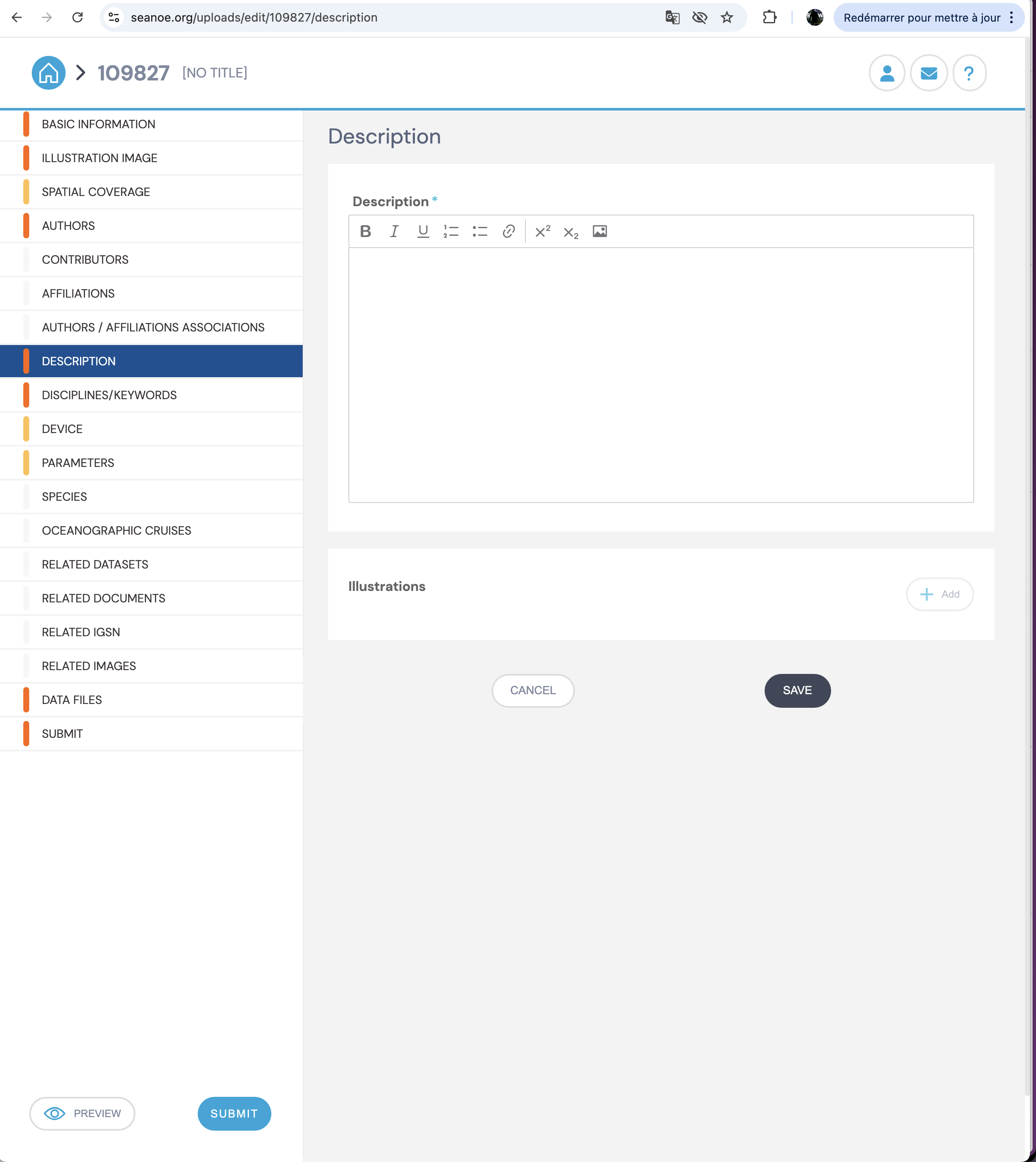
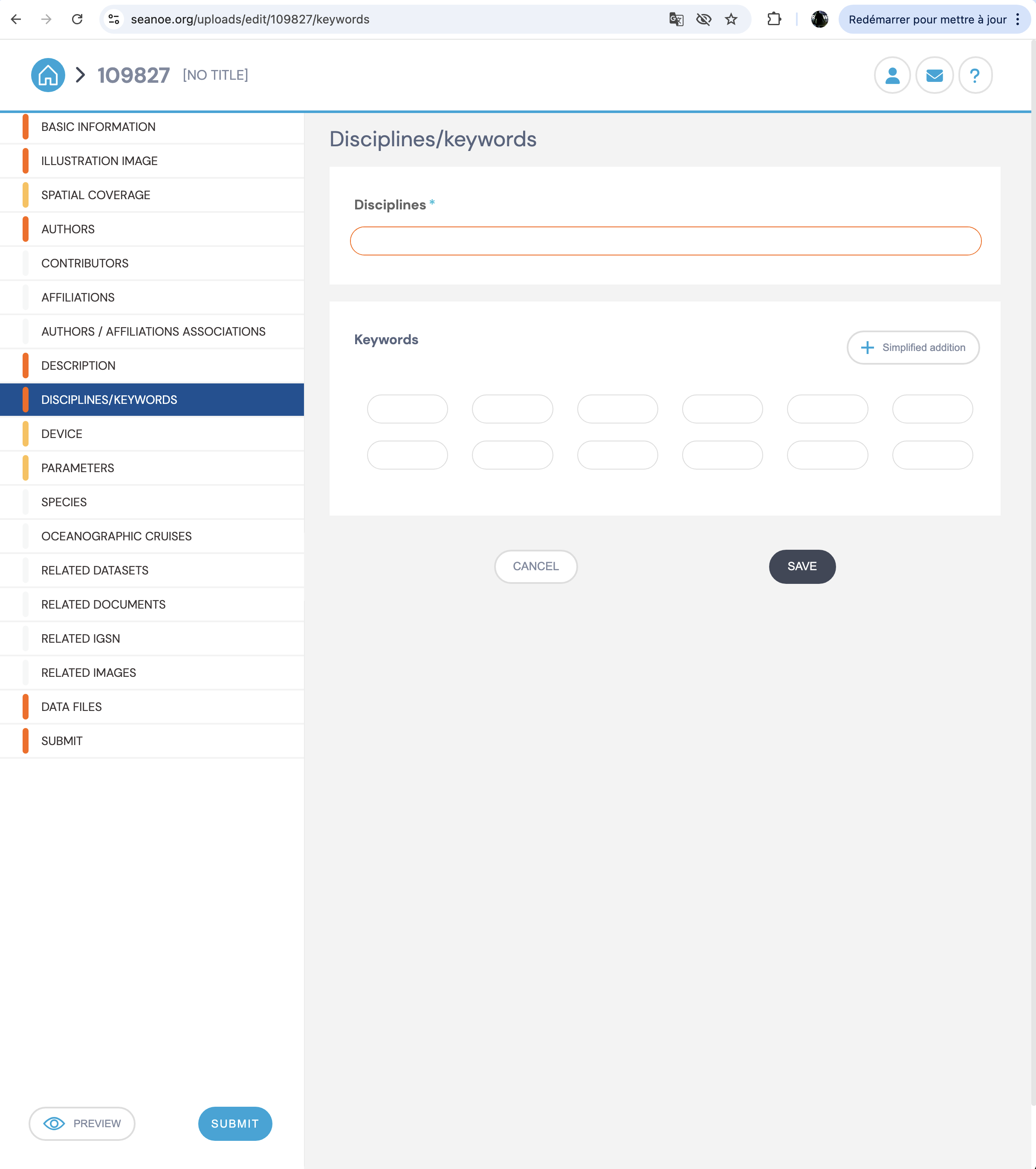
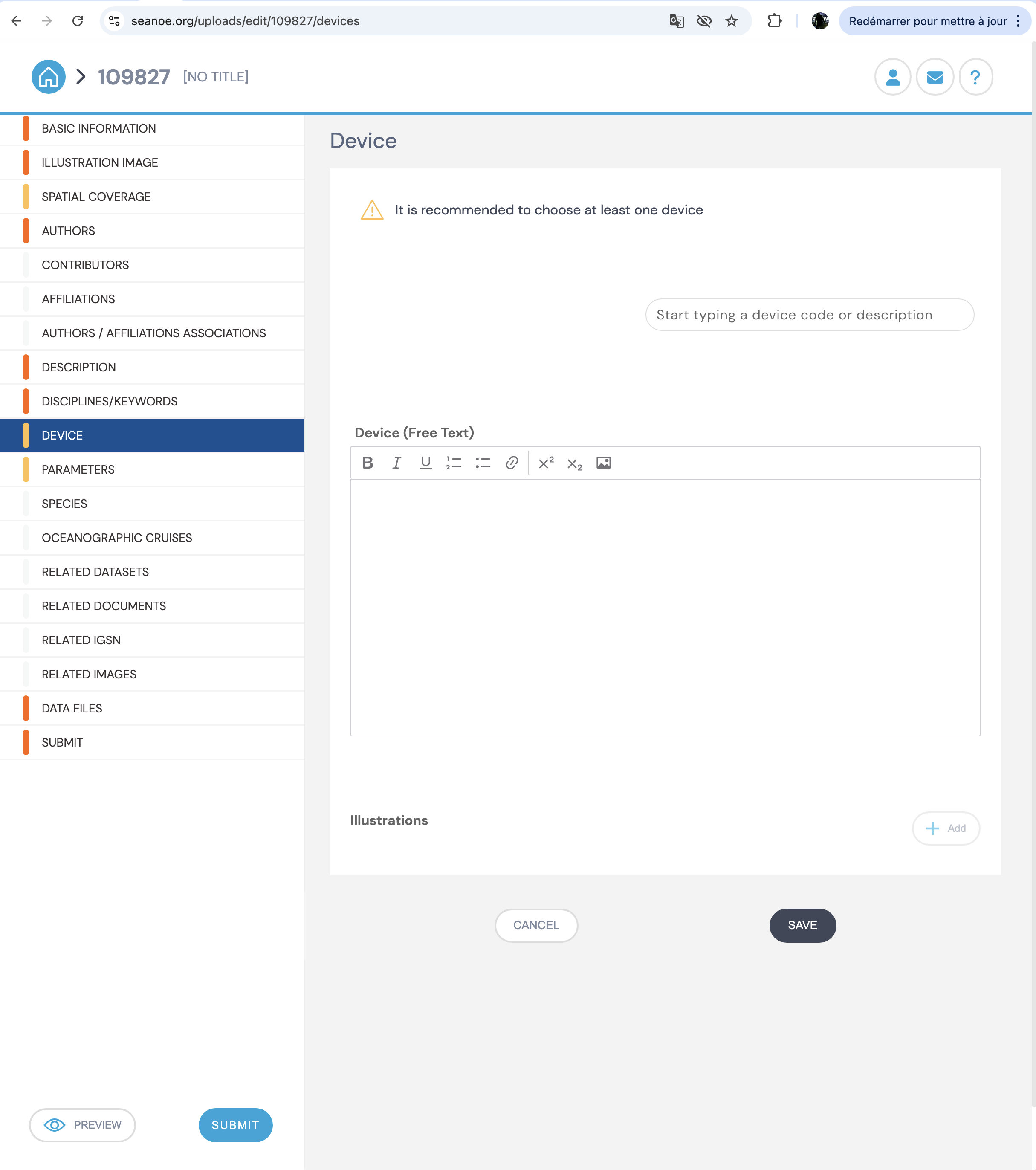
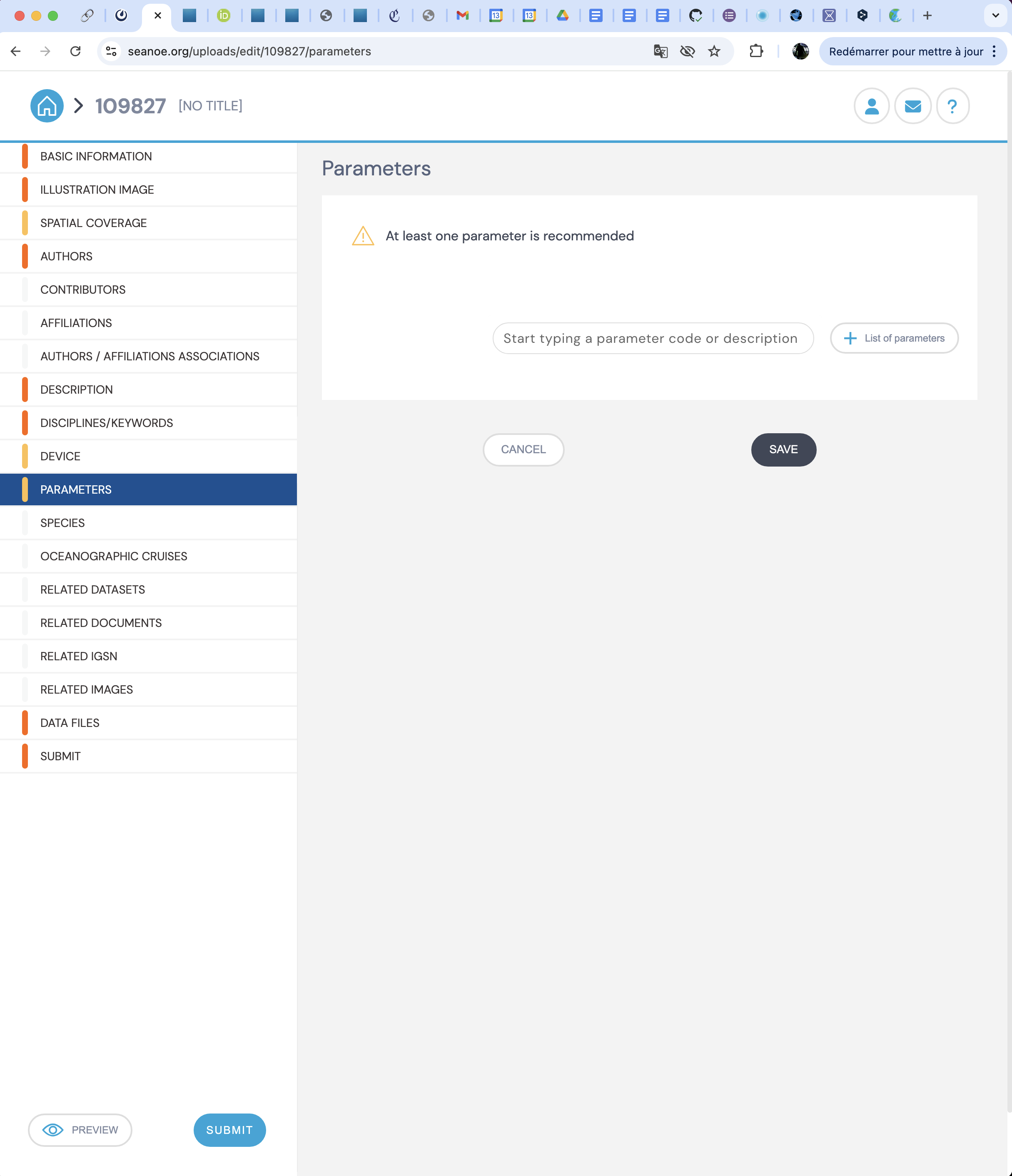
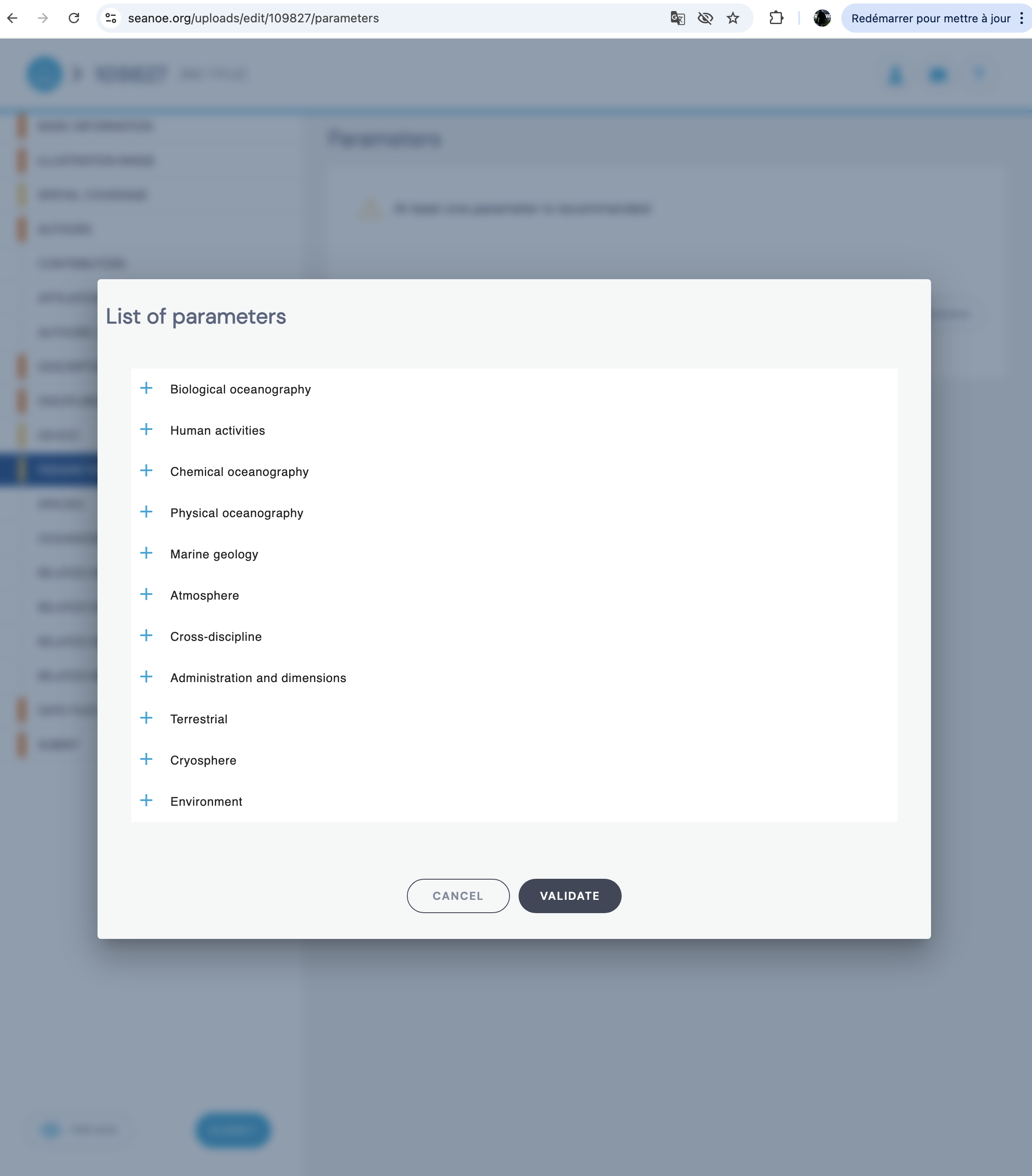
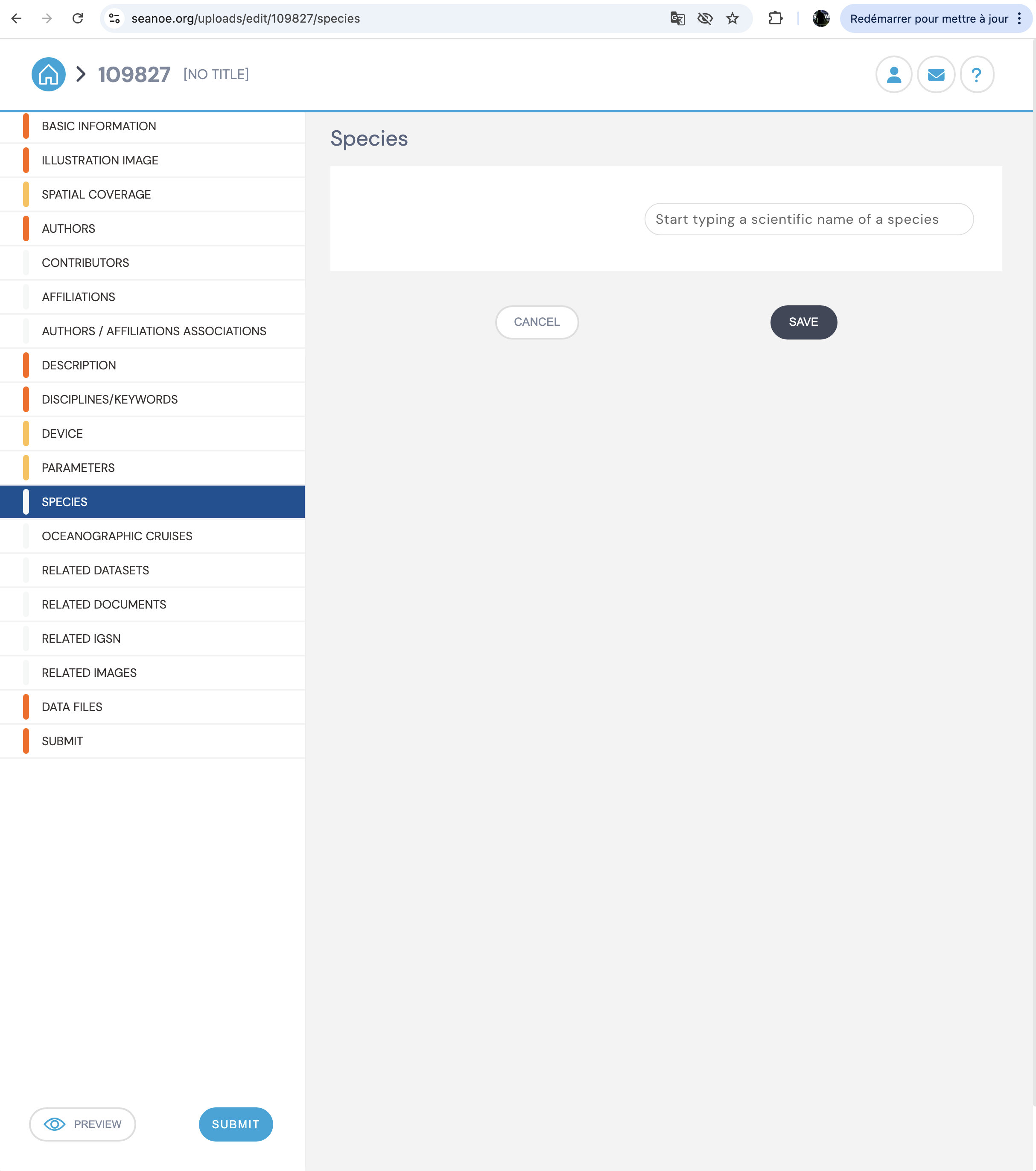
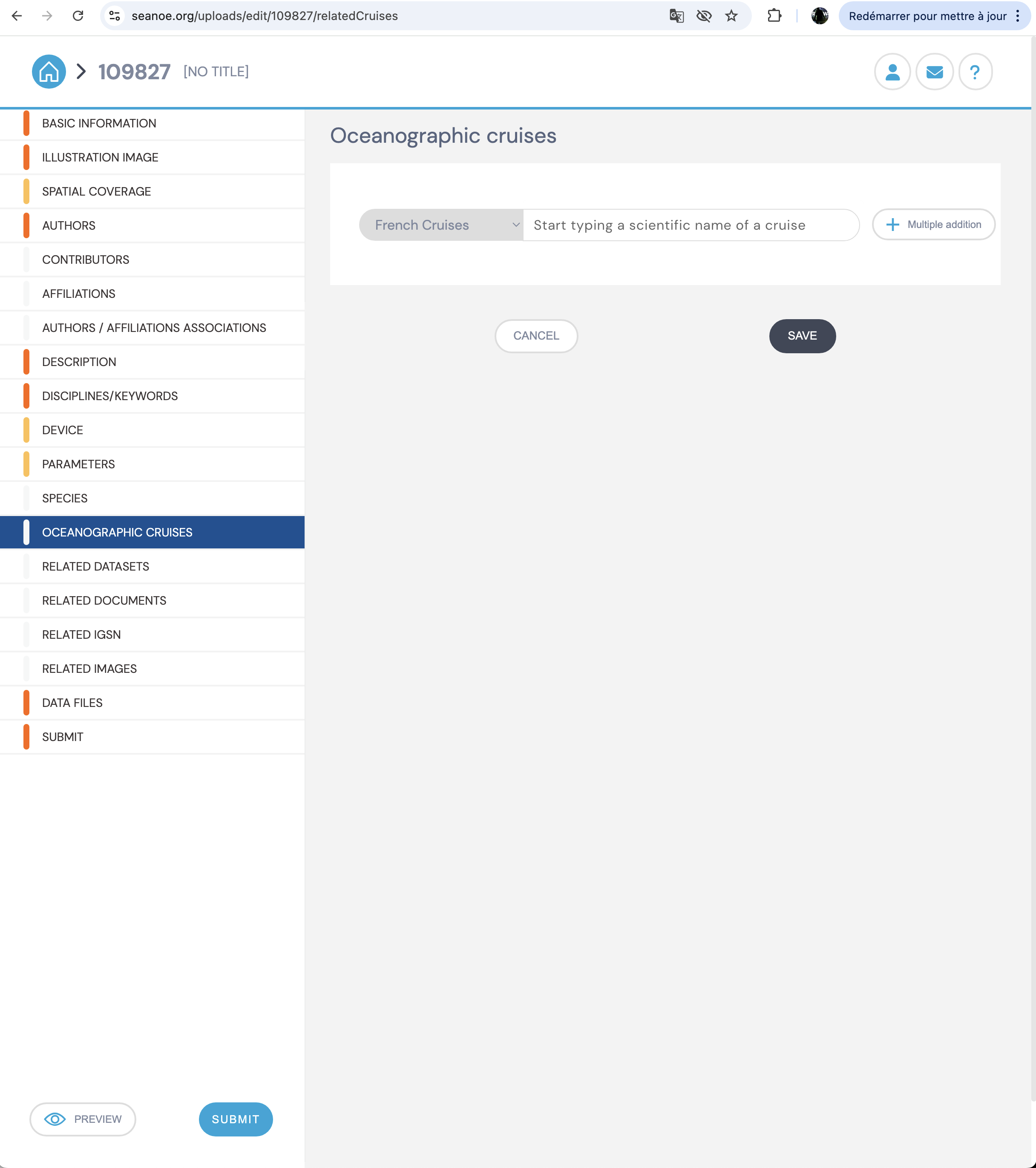
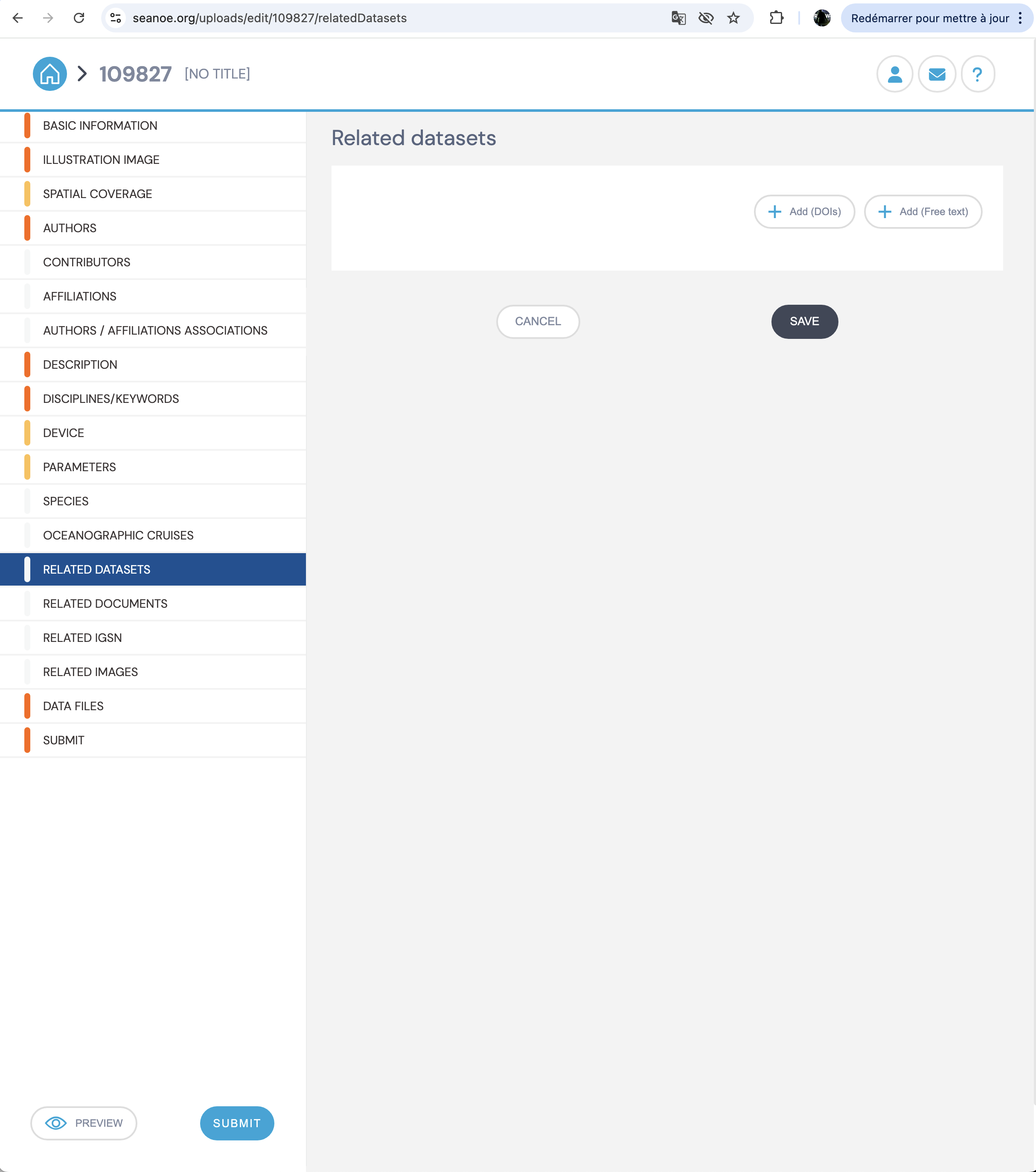
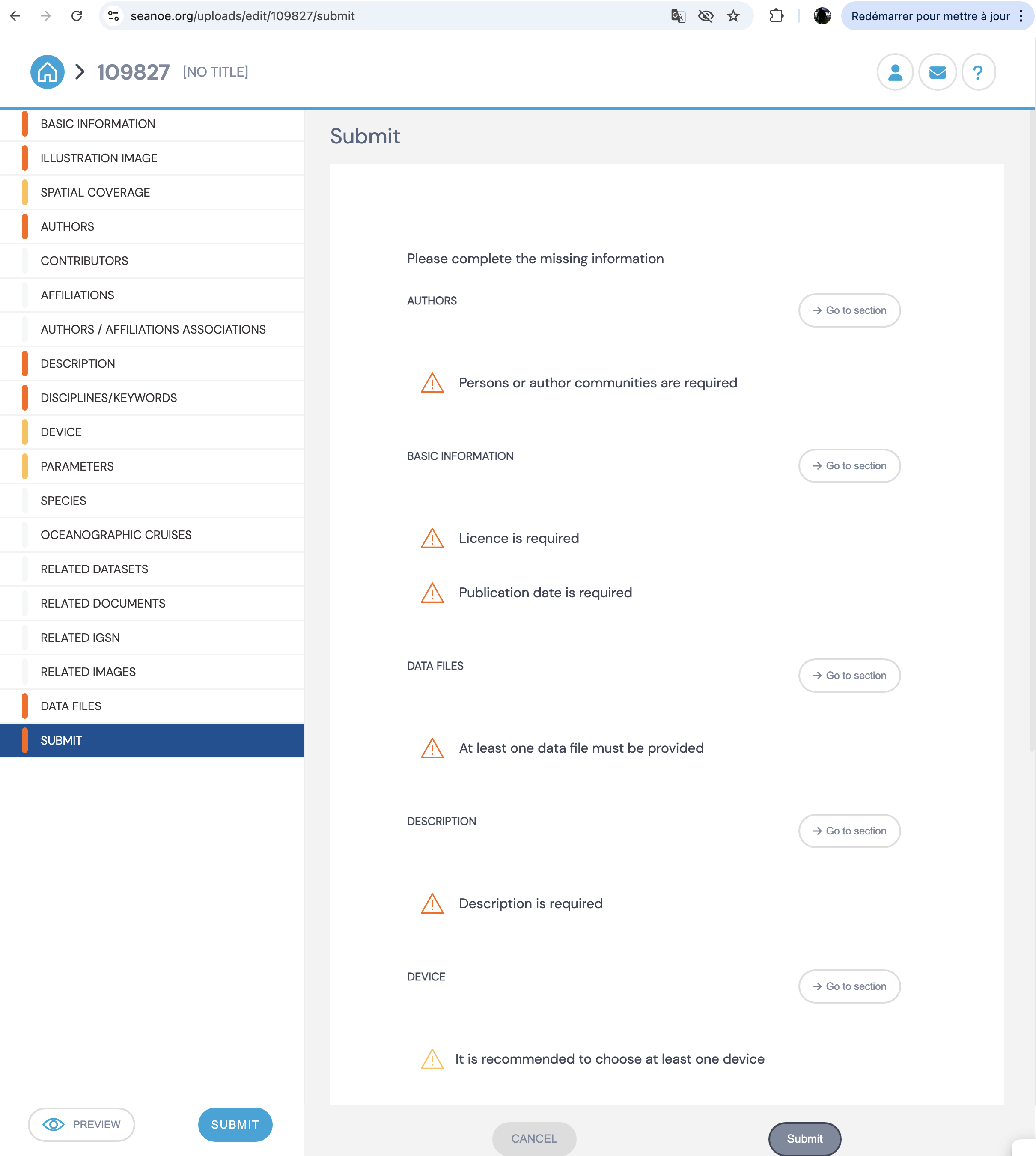
You will find below the informations required to get a doi, the better it is done the faster the validation will be granted
Be aware that once you submit the dataset, it can be modified only by mail request, so be sure to have correctly filled out all the requirements before clicking on submit.