
Create and host a webpage with Github Pages#
It is possible to manage and host websites with github pages and workflows, at IGE some examples are : https://sasip-climate.github.io/, https://lesommer.github.io/, https://romaincaneill.fr/, …
The first thing to do is to chose a template, because you do not want to spend time on adjusting colors, fonts, sizes, placements, etc …
Here is a very long list of examples that have been implemented a jekyll-based website on github pages : topics/jekyll-theme
To select a good one (easier to implement), you want to have a template that is using markdown files for content so files like index.md and directorires like _includes and _layouts are present.
Fork the selected template and modify the name of the repository with yours
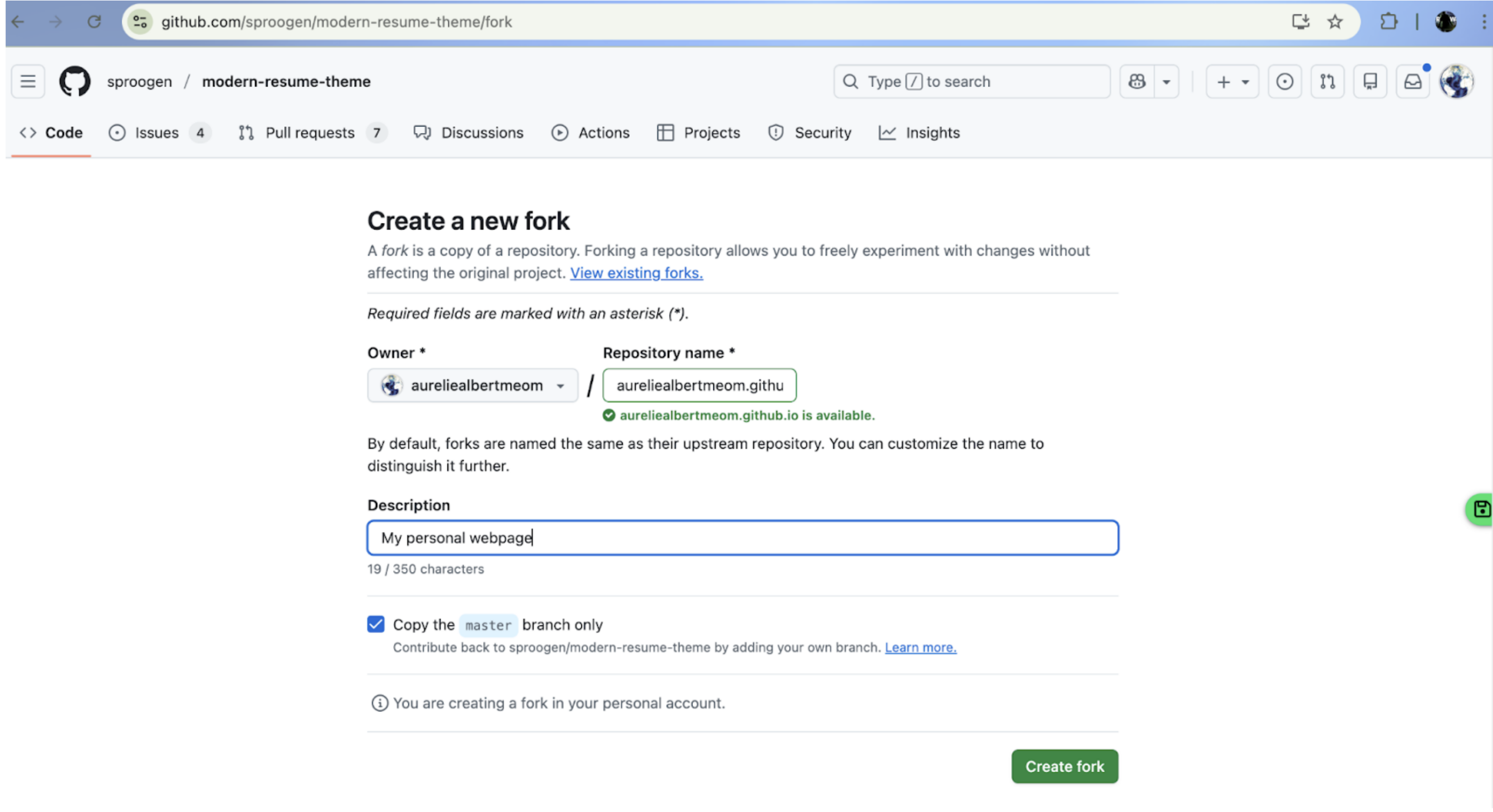
Make sure these sources will produce a webpage by following these instructions : https://docs.github.com/en/pages/quickstart, skipping steps 1 to 5, we only modify the branch from which the github page is built and click save (steps 7 to 9)
We can now check the Actions tab and see that the build and deployment is happening
If we check now our webpage (in my case aureliealbertmeom.github.io), the website is live but ugly
And we have now to customize for our own content.
Let’s do it by opening a codespace for the repo in order to modify multiple files online easily
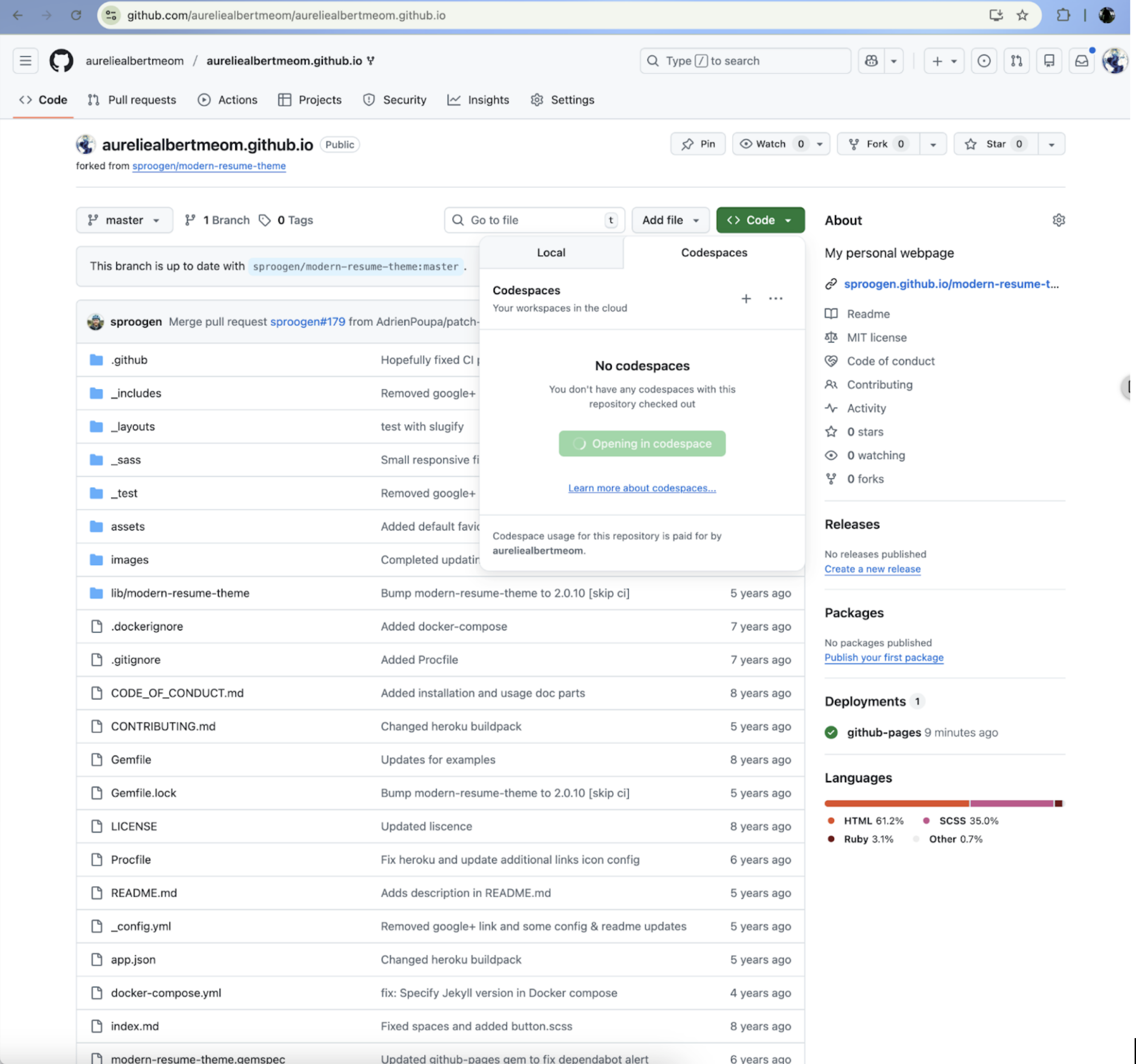
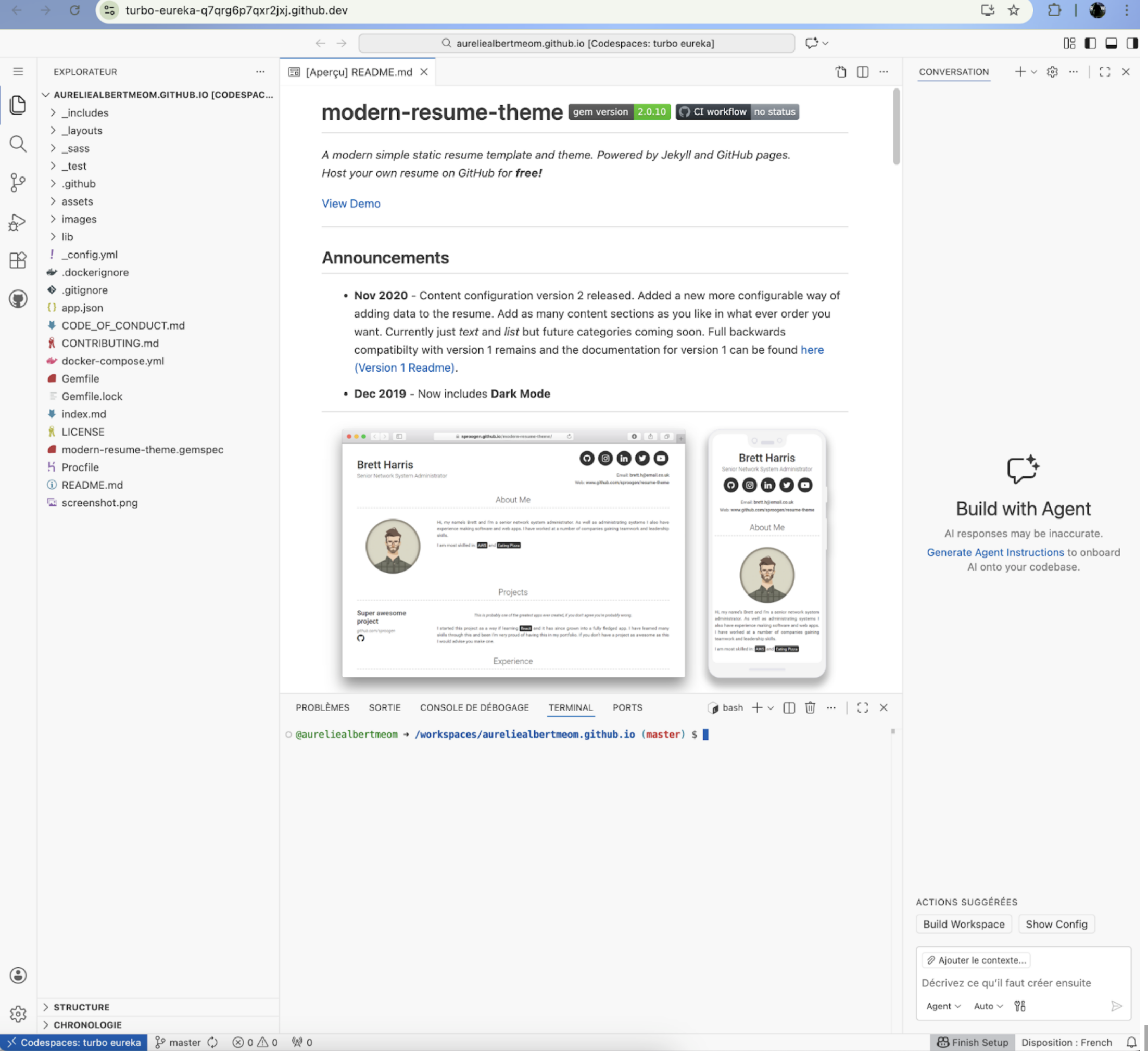
We need to modify _config.yml and maybe add some pictures to images subdir to make the content our own, then we push and see !
We can also rewrite the Readme to make it a guideline on how to modify the website for later
You can now start from my version : aureliealbertmeom/aureliealbertmeom.github.io